Update: Apr 16, 2015

Size: 33.4MB Price: $24.95
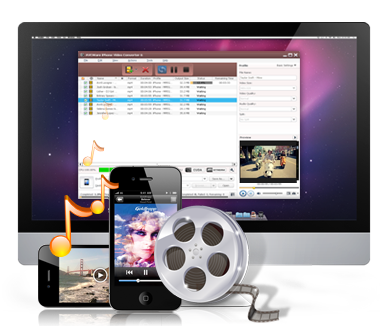
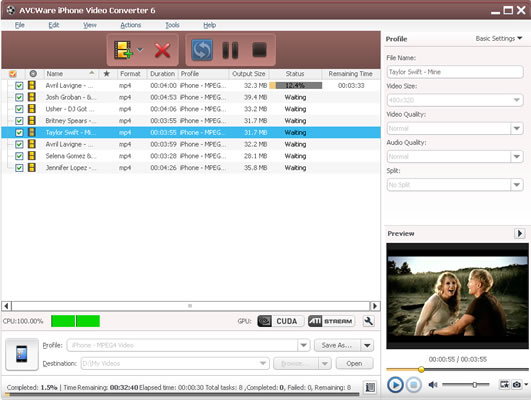
Convert, edit, transfer and share faster than ever with AVCWare iPhone Video Converter for Mac - your complete video-editing software for making iPhone High Definition and Standard Definition videos. Optimized with the latest processing technology, AVCWare iPhone Video Converter for Mac lets you see results on screen, make video and music and then share it on iPhone immediately.
Have fun making iPhone videos with quick access to professional editing tools, in-built player to have a thorough preview of videos and many other features to facilitate the iPhone video converting experience even if you are a newb to the program.
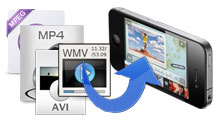
Convert all popular video formats such as AVI, MPEG, WMV, MP4, M4V, YUV, WMV, MPG, MPEG, DAT, VOB to iPhone MP4 video.

Convert all video formats as above and MP2, MP3, MP4, WMA, WAV, AAC, AC3 audio to iPhone audio. CD decoding is supported now.
| OS | Mac OS X v10.5 - 10.6, Snow Leopard support |
|---|---|
| Processor | Intel® processor |
| RAM | 512MB RAM |
| Free Hard Disk | 100MB free hard disk space for installation |
| Graphic Card | Super VGA (800×600) resolution, 16-bit graphics card or higher |