Update: Sep 10, 2018

Size: 9.74MB Price: $12.00
Designate a unique ringtone for each specific contact and immediately know who’s calling! AVCWare iPhone Ringtone Maker for Mac helps you create iPhone ringtones from various audio and even video sources, then transfer the M4R ringtones directly onto your iPhone. Audio and video formats supported: AVI, MPEG, WMV, DivX, MP4, H.264/AVC, AVCHD, MKV, RM, MOV, XviD, 3GP, MP3, WMA, WAV, RA, M4A, AAC, AC3, OGG, etc.
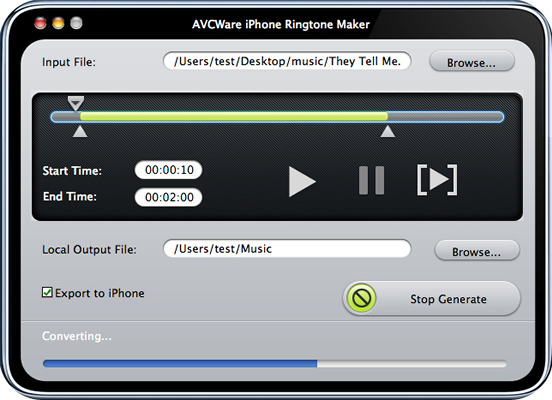
To help you customize your iPhone ringtones, AVCWare iPhone Ringtone Maker for Mac allows users the possibility of trimming video/audio files and adding fade-in and fade-out effects. Preview your audio section and make further customizations to complete your perfect iPhone ringtone conversion.

Convert MP3, WMA, WAV, RA, M4A, AAC, AC3, OGG and other music files to M4R iPhone ringtones.
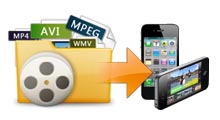
Make iPhone ringtones from video files like AVI, MPEG, WMV, DivX, MP4, H.264/AVC, AVCHD, MKV, RM, MOV, XviD, 3GP, etc.

For your convenience, AVCWare iPhone Ringtone Maker for Mac can help you transfer the converted M4R ringtones directly to your iPhone without the use of iTunes.
| OS | Mac OS X v10.6 - 10.14(Mojave) |
|---|---|
| Processor | PowerPC® G4/G5 or Intel® processor |
| RAM | 512MB RAM |
| Free Hard Disk | 50MB free hard disk space for installation |
| Graphic Card | Super VGA (800×600) resolution, 16-bit graphics card or higher |